Tattoo preflight & measurement QA
Measure your design before you tattoo it.
Upload a design and inkPreflight measures the thinnest line, tightest gap, black-fill density and merge risk at the real tattoo size - then flags the lines, gaps and fills that fall below safe thresholds at that size. Export a 1:1 stencil.
Free to start - 5 analyses/month, no card required.
How it works
Four steps, about a minute.
- 1
Upload your design
PNG, JPG, WEBP, SVG or PDF line-art. Nothing is shared - files auto-delete within hours.
- 2
Set the real size
Enter the width it will be tattooed at (mm). Everything is measured at that true scale, not on-screen pixels.
- 3
We measure the geometry
Sub-pixel line-width, spacing, black density and merge-risk maps computed with a calibrated CV engine.
- 4
Get your report + stencil
Flagged thin lines and merge zones, an artist and a client PDF, and a 1:1 real-size stencil (plus mirrored).
What it measures
The numbers that decide if a design survives on skin.
Minimum line width
The thinnest stroke in millimetres. Lines below the safe threshold for your style blur or drop out at that size.
Line spacing
The tightest gap between lines. Too tight and ink spreads until separate lines read as one solid mass.
Black-fill density
How much solid black sits in each area - the driver of dense fills, patchiness and long sessions.
Merge risk
Where nearby ink is likely to spread and touch at this size, shown as an overlay you can grow by 0.1-0.3 mm.
Minimum recommended size
The smallest size at which the whole design still respects safe thresholds.
See a real report
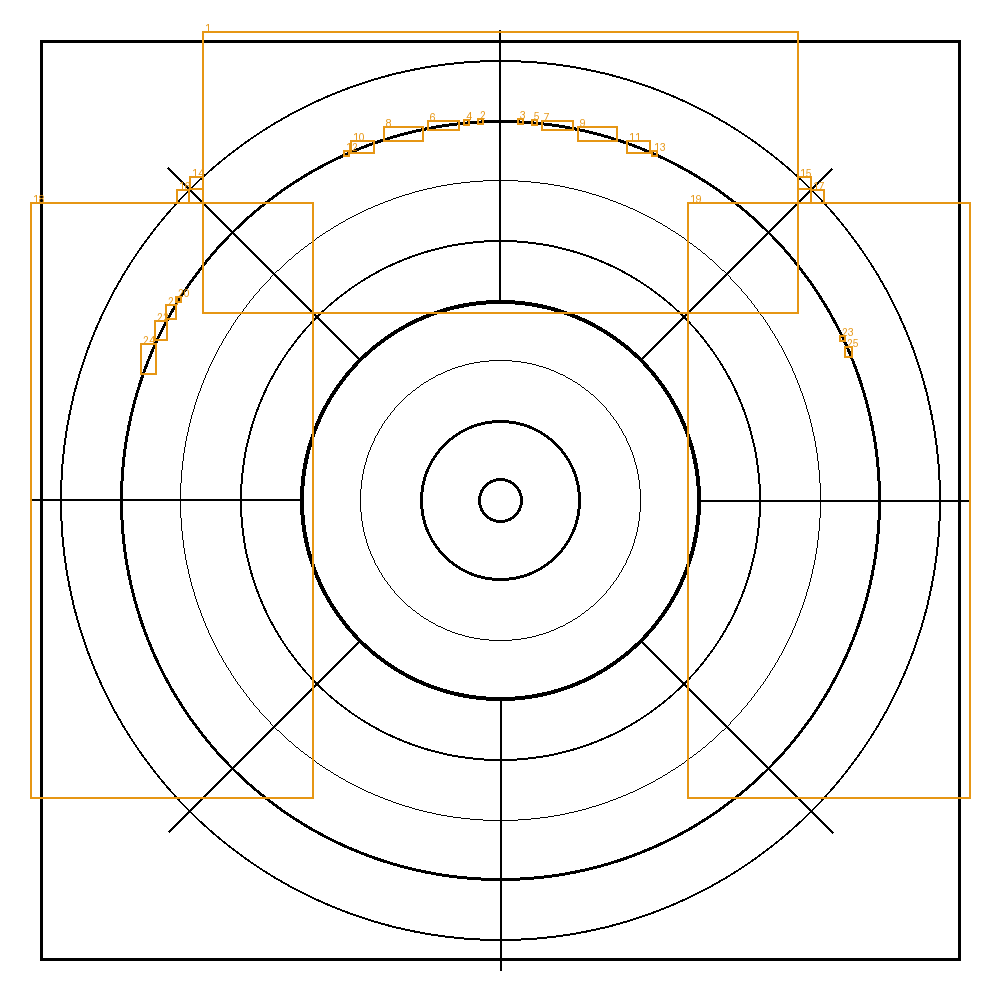
Synthetic demonstration input, processed by the real inkPreflight engine — not a mockup. Every overlay and file below came from the measurement engine, run on a 90 mm design.
How we measure
We rasterise your line-art at the exact size it will be tattooed and measure four things: thinnest line width, tightest gap, solid-black density and where nearby ink may merge. Values are compared to configurable per-style thresholds in millimetres.
Limits
Thresholds are experimental heuristics an artist can adjust — not a medical or industry standard. inkPreflight measures geometry only and does not predict how skin will heal.
Why it matters
Blowouts, blurred fine lines and filled-in gaps are the most common ways a clean design fails on skin - and they are geometry problems you can catch before the needle, not after. inkPreflight turns 'this looks a bit thin' into an exact millimetre reading, so you can resize, respace or warn the client with evidence instead of a guess. Fewer touch-ups, clearer expectations, better healed work.
Not another stencil app
Stencil and preview tools set size and print. None of them measure whether the design survives.
CapabilityinkPreflightStencil / preview apps
Print a stencil at size
Measure line width in mm
Flag lines below safe thresholds
Merge / blowout risk map
Black-density heatmap
Artist + client QA report
Simple pricing
Start free. Prices shown in USD; your local currency is applied at checkout.
Free
$0/mo
Try it on real work
- 5 analyses per month
- All measurements & heatmaps
- 1:1 stencil PDF
Studio· Coming soon
$59/mo
For shops & teams
- Everything in Pro
- White-label reports
- API access
Cancel anytime from the billing portal. VAT/tax handled at checkout.
Honest by design
It does not predict healing
It reports geometry and flags thresholds. It never claims to know how your client's skin will heal.
Your art stays yours
Uploads are processed to produce your result and auto-deleted within hours. Never used to train anything.
Measured at real size
Every number is at the true tattoo scale you set - not screen pixels.
Frequently asked questions
Does inkPreflight predict how a tattoo will heal?
No. It measures geometry - line width, spacing, density, merge risk - and flags values below safe thresholds. It never predicts an individual's healing.
What files can I upload?
PNG, JPG, WEBP, SVG or PDF line-art up to 12 MB. Vector (SVG/PDF) gives the most precise measurements.
How is line width measured in millimetres?
You enter the real width the piece will be tattooed at. Every measurement is computed at that true scale with a sub-pixel CV engine, not from screen pixels.
Is my artwork safe?
Uploads are processed to produce your result and auto-deleted within hours. They are never used to train models or shared.
Do I need an account?
No account for a few free analyses. Create a free account for 5/month, or upgrade to Pro/Studio for unlimited.
What currency am I charged in?
Prices are shown in USD; Stripe applies your local currency automatically at checkout.
Check your next design in a minute.
Start free - 5 analyses a month, no card. Upgrade when you run more.